Profile and Security Settings
Review the contact details linked to your account and check for security notices. Current recovery information can make it easier to regain access if a password is forgotten or a device is changed.
 Contact UsRegister
66Q Login helps registered users access their account dashboard, view profile settings, check wallet activity, review available promotions, and continue on mobile. This guide outlines a careful sign-in routine, practical fixes for common access problems, and everyday steps that can help keep account details private and under control.
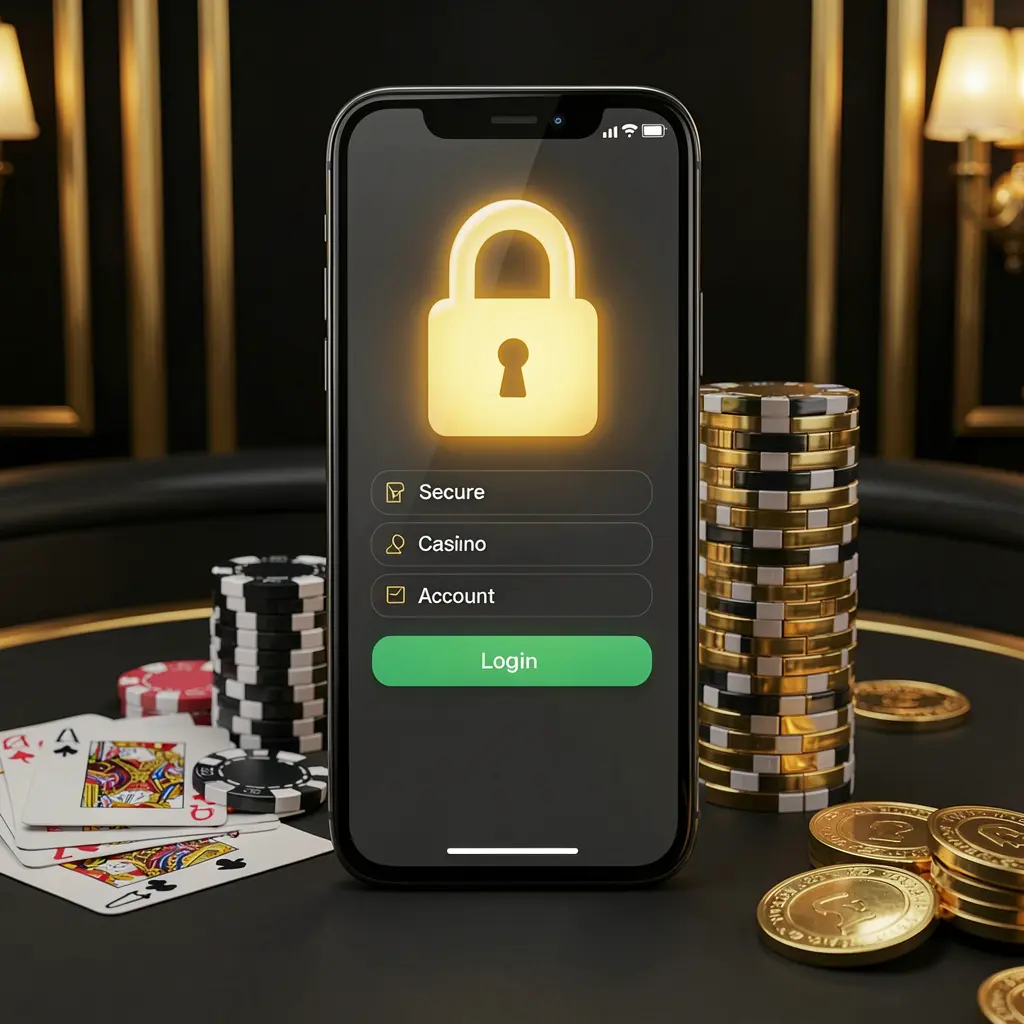
The 66Q Login page is where registered users enter their private account area. It can provide access to profile information, wallet records, account notifications, and other settings, so each sign-in should begin by confirming the correct access route.
Users may reach 66Q through a browser bookmark, a mobile shortcut, or a link shared by the official service. Before entering a password or verification code, check the web address carefully and avoid unknown messages, copied pages, or unverified download links.
In Bangladesh, users should approach gaming-related account access with legal awareness and personal limits. An account should be managed thoughtfully, with spending and time kept within an amount that remains comfortable and affordable.
A consistent login process can reduce avoidable errors and make it easier to notice unusual account activity. Use a personal device where possible, follow the official route, and review the account once access is complete.
Open 66Q from a verified website address or a bookmark you created yourself. Do not rely on unfamiliar promotional links, forwarded messages, or pages that request details before showing the normal login screen.
Provide the phone number, email address, username, or other detail used during registration. Check for typing errors, wrong keyboard settings, and outdated autofill information before submitting your login request.
Complete any captcha, OTP, or device confirmation only within the official 66Q session. Keep one-time codes, password reset links, and security messages private, even when someone claims to offer account assistance.
After signing in, review profile details, wallet records, recent activity, and any notices displayed in the account area. Stop and use official support channels if you see information you do not recognize.
Review the contact details linked to your account and check for security notices. Current recovery information can make it easier to regain access if a password is forgotten or a device is changed.
The wallet section may show balance information and account transaction records. Looking through recent entries after login can help users identify unfamiliar activity before making another account decision.
Users may visit their account to view active promotion pages or reward notices. Read the relevant terms, eligibility details, expiry information, and conditions before choosing to take part.
Notifications can include security reminders, support updates, or changes requiring attention. Read these messages before dismissing them, especially after logging in from a new browser or device.
Mobile login issues can happen because of an unstable connection, expired browser data, incorrect details, or delayed verification messages. Work through one issue at a time rather than repeatedly submitting the form or requesting multiple codes.
Check the entered login detail and password carefully, including uppercase letters and spaces. If it still fails, use the official password recovery option rather than making repeated guesses.
Check mobile signal, message blocking settings, email folders, and the registered contact detail. Wait briefly before requesting another code, since multiple requests may delay delivery further.
Close duplicate tabs, refresh the browser, clear cached data, or switch to a stable connection. Reopen the official 66Q page and avoid installing unknown files as a login fix.
A new phone, browser update, or cleared cookies may require extra confirmation. Complete the request through the verified page and log out when using a device that is not yours.
Account security is strengthened by simple daily habits. Keep passwords private, use screen locks on personal devices, and avoid sharing screenshots that contain balances, codes, contact details, or other sensitive account information.
66Q Login provides entry to account tools, not a guarantee of financial results. Adults should use gaming-related services only where permitted, make informed decisions, and stop if activity causes stress, financial pressure, or loss of control.
Read common answers about 66Q Login, mobile sign-in, verification codes, password recovery, and safer account management.
Open the verified 66Q access page, select the login option, enter the details registered to your account, complete any security prompt, and review the dashboard after access is granted.
An OTP or similar verification request can help confirm that the login attempt belongs to the account holder. Enter it only on the official 66Q page and do not share it with anyone.
Use the official password recovery option available on the login page. Verify your registered contact details and follow the instructions shown instead of sharing account information through unofficial channels.
You can use a compatible mobile browser to access the official 66Q login route. Check the address, use a stable connection, and keep your device updated and protected.
Shared devices carry additional privacy risk. Do not save passwords, keep OTP messages private, log out after use, and remove account details from the browser before leaving the device.