Mobile Lobby Access
The app can place platform sections and game-style categories within a layout designed for smaller screens and touch navigation.
 Contact UsRegister
This 66Q App guide helps Bangladesh users understand the Android APK download process, installation settings, mobile account access, wallet navigation, updates, and basic security checks. It is designed for adults who want clear information before installing an app, signing in, or exploring online gaming-related features, while keeping local rules and responsible limits in mind.
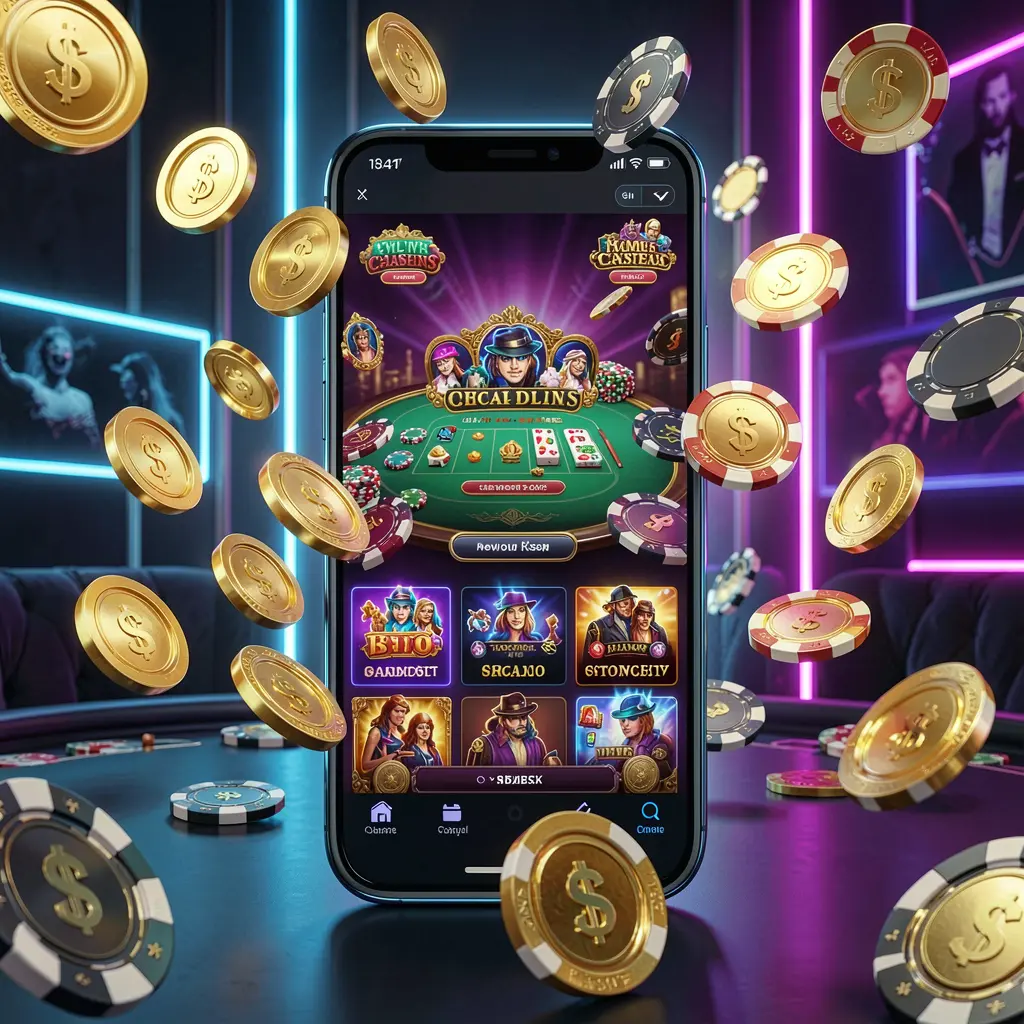
The 66Q App is presented as a mobile-friendly way to access platform sections from an Android device. Rather than using a browser for every visit, users may be able to open account tools, lobby areas, promotional information, and support options through an app-style interface.
Before installing any APK, users should confirm the source, check their phone settings, and consider whether online gaming-related activity is permitted in their location. Mobile access can be convenient, but it also requires careful handling of passwords, payment information, and personal spending limits.
66Q App may provide mobile access to platform categories, account settings, wallet information, promotional pages, and help options. It should only be used by adults, from a verified source, and after users have checked applicable local requirements.
The app can place platform sections and game-style categories within a layout designed for smaller screens and touch navigation.
Users may review profile details, login settings, notifications, and support links without needing to search through a desktop-style page.
Balance displays, transaction records, and payment-related rules should be reviewed carefully before any financial action is taken.
APK updates should be obtained through the verified 66Q app page, never from unfamiliar links or forwarded files.
Installing an Android APK requires attention because files from unknown sources can create security and privacy risks. Start only from the official 66Q website or its confirmed download section, and stop if the page, file name, or installation request appears unusual.
Open the official 66Q website on your Android phone and locate its app or download area. Check the website address and page branding before selecting an APK download option.
Choose the Android APK download and allow the file to finish saving. Do not open similarly named files from your downloads folder if you cannot confirm where they came from.
Android may ask you to permit installation from your browser or file manager. Grant access only when needed for this file, then remove the permission again once installation is complete.
Open the downloaded APK and follow the device prompts. After launching 66Q App, check account settings, support details, privacy options, and applicable terms before using wallet or promotion features.
A few simple habits can make mobile account use easier to manage. Use a private device, lock your screen, create a unique password, and avoid signing in through public Wi-Fi networks. Never share a password, verification code, or account recovery detail with another person.
When a newer 66Q App version is available, return to the same verified source used for the original installation. Avoid update notices received through unsolicited messages, especially if they request account credentials, one-time codes, screenshots, or access to your device.
Online gaming involves risk and should not be treated as a source of income. Bangladesh users should check current legal conditions before taking part in gambling-related services. Do not use essential money, chase losses, or continue when play affects your wellbeing, finances, or daily responsibilities.
Helpful information about the 66Q App, Android APK installation, updates, account protection, and responsible mobile use.
Look for the Android APK in the official 66Q app or download section. Avoid files shared through unknown websites, social posts, private chats, or unverified agents.
Download the verified APK, allow installation from the selected browser or file manager if Android requests it, open the file, and follow the on-screen instructions.
Android restricts apps installed outside its standard store channels. Enable the permission only for the current source and turn it off again after the installation is finished.
Use the official 66Q website or verified app page for updates. Do not install a replacement APK from unsolicited messages or links with unclear origins.
Yes. Users should review current local laws and restrictions before downloading, registering, depositing, or using any online gaming-related service.